


Install a plugin, add a capability
Choose featured tools in Plugin Market and install in one click. View installed plugins, update them or remove those you no longer need.
Browse pluginsSearch apps, files, and URLs, install the tools you need, and quickly access everyday actions with MixSo Quick.

Find your tools in Quick, or give a favorite plugin a shortcut of its own.
Press the global shortcut. Search is ready as soon as Quick appears.
Search apps, files and URLs, or choose an installed tool from the same window.
Open the tool you need and get on with your task.
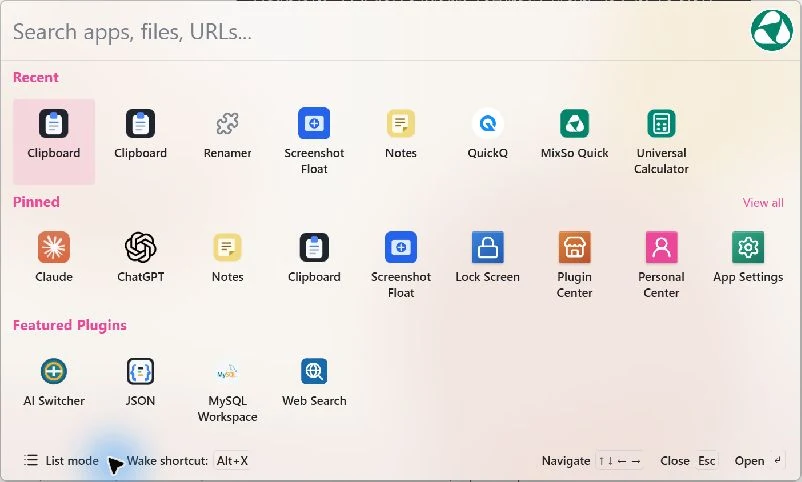
Choose featured tools in Plugin Market and install in one click. View installed plugins, update them or remove those you no longer need.
Browse pluginsGive Clipboard, JSON Tools or another favorite its own shortcut. Next time, open PDF Tools or another plugin without opening the main window first.
Set up shortcutsDetach PDF Tools, Clipboard, Screenshot, or other plugins from MixSo Quick. Each gets its own window and taskbar icon. Keep several tools open for ongoing work, and bring them back with their existing shortcuts.
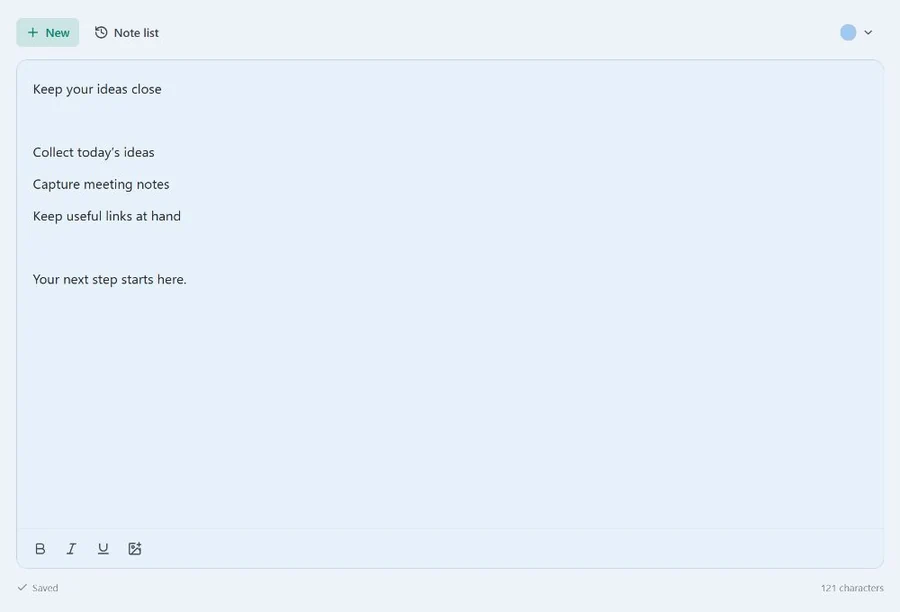
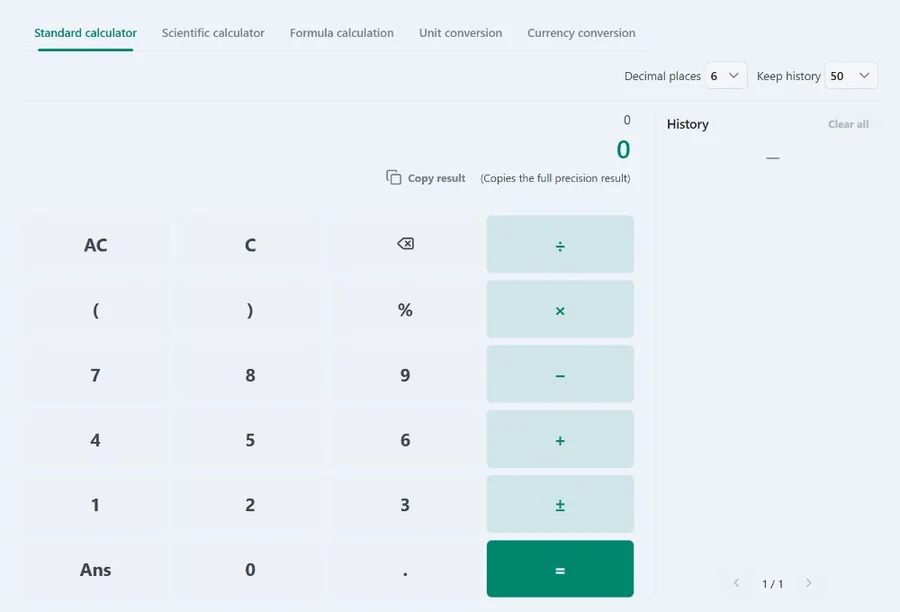
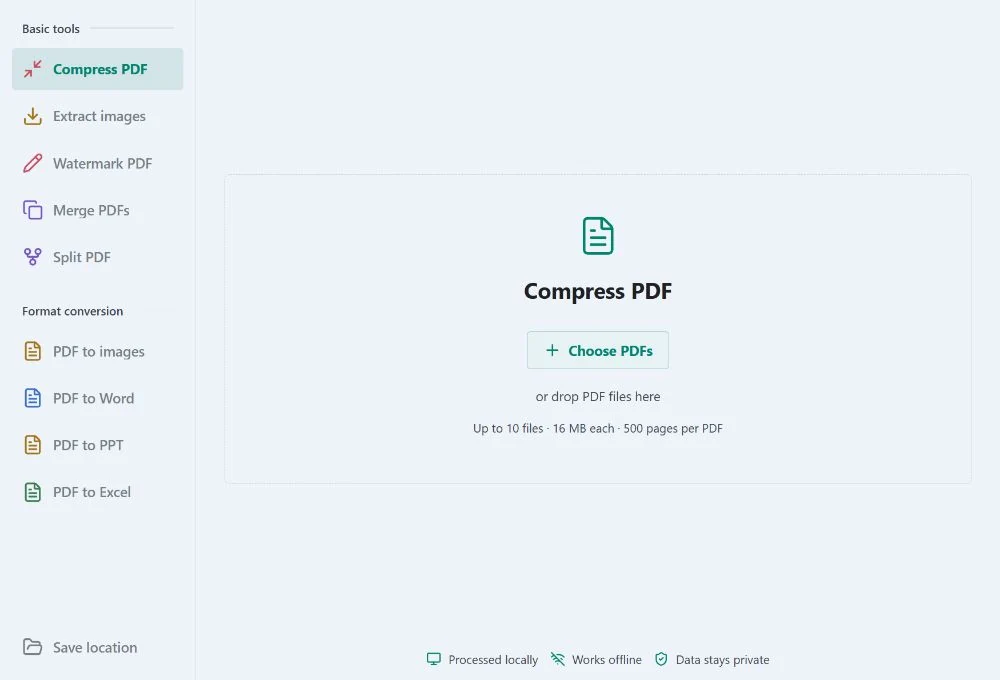
Different tools. A window for each.
Make MixSo Quick feel at home on your desktop.
Choose from 10 interface languages. Preview Quick in the language you use.

Recognize tools by their icons, or scan them in a list. Switch views to suit the way you work.
Choose a light or dark theme and one of six accent colors. Customize your background color or use a background image.

Free to use. Choose the version for your system.
 Windows
 macOS
macOS Linux
Linux


